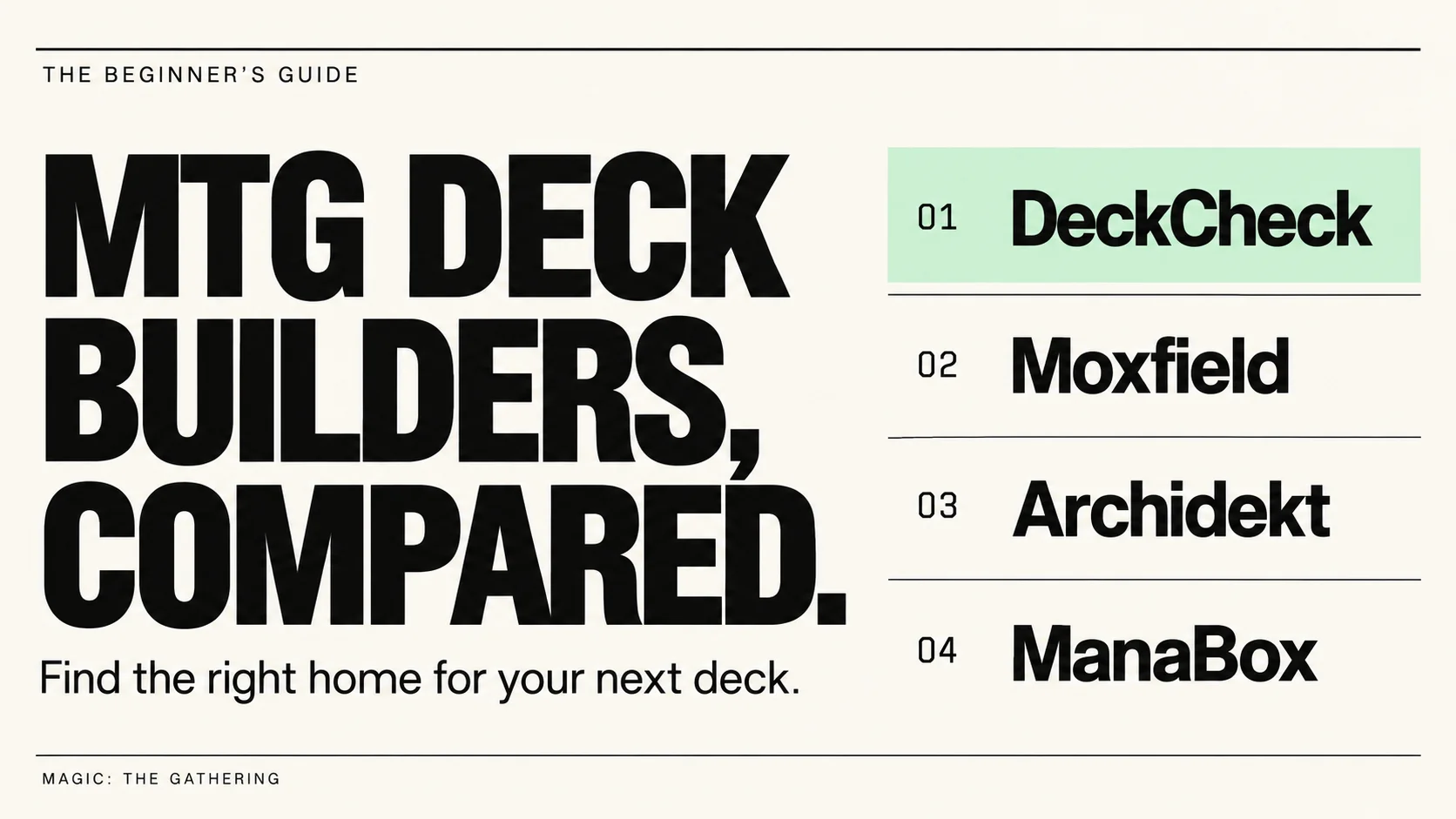

If you're new to Magic, or you started in the last year or so, this page is for you. Maybe you have a precon or two and a growing pile of cards, and you keep hearing people mention DeckCheck, Moxfield, Archidekt, and ManaBox. So where should you actually build your decks?
The short answer
- Best overall, especially for newer players: DeckCheck. It's a full deck builder, plus smart tools that read your deck and help you build it your way, and make it better. You can find cards by describing them, see how strong your deck is and why, get suggestions that fit your deck, and ask rules questions when playing them.
- Best for sharing: Moxfield. It's the most popular deck builder. A lot of the decklists you'll find online are Moxfield links, and Magic communities accept them everywhere.
- Best for full control: Archidekt. It's the most visual and customizable builder, but it takes longer to learn.
- Best for scanning your cards: ManaBox. It's a phone app for scanning and tracking the cards you own. It's not really where you'd build your decks.
What a newer player actually needs
Every deck builder can store a list of cards. That's the easy part. When you're new, the hard part is everything around the list:
- Finding cards when you don't know their names, or the advanced search methods that experienced players use.
- Knowing how strong your deck is, and whether it fits your table. Commander players use brackets, a scale from 1 to 5, to match decks of similar strength.
- Knowing what to add or cut, and why.
- Fixing the classic beginner problems: too many win-more cards, too few lands, or a deck that's much stronger or weaker than your friends' decks.
- Getting rules help without digging through old forum threads.
- Staying on a budget, or building with the cards you already own.
- Sharing your deck and getting feedback.
Here's how the four compare on those things.
Side by side
| DeckCheck | Moxfield | Archidekt | ManaBox | |
|---|---|---|---|---|
| Best for | Building decks and making them better, with help | Sharing decks and browsing other players' lists | Full control over how your deck looks | Scanning and tracking your cards |
| Price | Free, with no ads. Smart tools use credits, with 5 free a day | Free, with ads | Free, with ads | Free, with ads. PRO is $2.49 a month |
| Where it works | Any browser. Installs on your phone like an app | Any browser. Installs on your phone like an app | Any browser. Installs on your phone like an app | iPhone and Android app |
| Formats | 9, including Commander, Standard, Modern, and Pauper | 30+ | 25, plus a custom format | Commander and many others |
| Find cards by describing them | Yes. Type "green cards that draw cards" and it finds them | No | No | No |
| How strong is my deck? | A highly-accurate Bracket, a Threat score, and a detailed explanation of why for both | A Bracket estimate only, from a checklist of cards | A Bracket estimate only, from a checklist of cards and combos | A Bracket estimate only, from a checklist of cards |
| Card suggestions | Specific to your decks and your needs | What's popular with your commander (from EDHREC) | What's popular (from EDHREC), plus Archidekt's own data | What's popular with your commander (from EDHREC) |
| Tells you what to fix | Yes. Make a deck stronger or weaker, cut it to size, and check your lands, inside a budget or with cards you own | No | Some. Suggested cuts and lands | Some. It can fill in your lands |
| Answers your questions | Yes. Rules questions, and questions about your own deck | No | No | No |
| Card collection | Yes, with scanning built-in | Yes, but no built-in scanner | Yes, but no built-in scanner | Yes, with scanning built-in |
| Community | 100,000+ players a month and growing fast. | The biggest. Accepted everywhere | Large. Accepted everywhere | Minimal. It's more of a personal app |
Why I think DeckCheck is the best place to start
Most deck builders give you a blank page and wish you luck. That's fine if you already know what you're doing. DeckCheck has everything you'd expect from a deck builder, and then it helps with the hard parts.
- Search like you talk. Type "green enchantments that draw cards" and Smart Search finds them. You don't have to learn complex search methods.
- Know how strong your deck is, and why. Every Commander deck gets a DeckCheck Threat Index score (kinda a power level score) and an accurate bracket placement, each with a detailed written breakdown of why. The other sites estimate a bracket from a checklist of specific cards (Archidekt also counts combos). A checklist can't see how a deck actually plays. DeckCheck reads the whole deck. Bring it to game night, and you'll be confident you're playing in the right bracket.
- Get suggestions that fit your deck. The other sites mostly show what's popular with your commander, which is not always useful especially if you have a unique deck. DeckCheck's suggestions come from the cards already in your deck, so they fit what your deck is trying to do.
- Fix the classic problems. PowerTune makes a deck stronger, or tones it down to match your table, inside a budget and with only the cards you own. DeckTrim tells you what to cut when you have 130 cards you love and room for 100. ManaTune checks your lands and your mana.
- Ask questions. RuleCheck answers rules questions and shows the rule that it's based on. Deckhand Chat answers questions about your deck and helps you built it.
- Start from a precon. Every Commander precon is on DeckCheck, so you can look up the one you bought, see its bracket, see its detailed breakdown, and start upgrading from there.
- Use the cards you own. Scan cards with your phone's camera right in the browser, or import your collection from the other sites. The builder shows what you own and what you still need and you can build decks using only cards you own.
Where the others are better
Moxfield: the most popular, and its links work everywhere
Moxfield is the most popular deck builder, and for good reason. It's free, fast, and clean, and it supports more than 30 formats. A lot of the decklists you'll see from friends, stores, and YouTube videos are Moxfield links, and Magic Discord servers and subreddits accept them. If sharing your decks matters most to you, Moxfield is the safe pick.
What it doesn't do is read your deck. Its suggestions show what's popular with your commander, its bracket estimate comes from a checklist of cards, and it has no tools that suggest cuts, tune a deck to a bracket, or answer rules questions.
Archidekt: the most control
Archidekt is free and very flexible. You can lay out your deck visually, sort cards into your own categories, and build in 25 formats plus a custom one. It also has a combo finder and a bracket estimate that counts combos, and it's run by the same company as EDHREC. If you love tweaking how your deck looks and works, you'll like it.
The trade-off is the learning curve. Reviewers often call it harder to learn than Moxfield, and that matters when you're new.
ManaBox: the best card scanner
ManaBox is a phone app for scanning and tracking the cards you own, and it's very good at it. It's free, it works on iPhone and Android, and it shows prices while you scan. It has a deck builder too, but it's simpler, and there's no web version.
Lots of players use ManaBox for their collection and a web deck builder for their decks. DeckCheck can import your ManaBox collection.
What DeckCheck doesn't do as well
I said I'd be honest, so here's the other side.
- Some communities block DeckCheck links. DeckCheck's smart tools use AI, and some Magic Discord servers and subreddits don't allow links to AI tools. Moxfield and Archidekt links are accepted everywhere. If you want feedback in one of those places, copy your list from DeckCheck and paste it into Moxfield or Archidekt. It takes a few seconds.
- The smart tools use credits. Building decks, searching, and card suggestions are free. The tools that read your deck use credits. Every account gets 5 free credits a day, which is enough for one full deck check, or many tweaks of that deck, a day. More credits start at $5, and can be bought as a one-time purchase or a subscription.
- The AI can be wrong. Treat its advice like advice from a friend who knows the game: worth hearing, but they might not know everything and may get things wrong from time to time.
- Fewer formats. DeckCheck supports 9 of the most played formats, including Commander, Standard, Modern, and Pauper. If you play something less common, like Oathbreaker, use Moxfield or Archidekt.
- No app store app. DeckCheck runs in your browser and installs to your phone's home screen. It isn't in the App Store or Google Play. Neither are Moxfield and Archidekt. Of these four, only ManaBox is. However, installing the app to your phone's home screen makes it function nearly identical to an app.
Using them together
You don't have to pick just one.
- Already have decks on Moxfield or Archidekt? Paste the deck link into DeckCheck to import it. ManaBox, TappedOut, and MTGGoldfish links work too.
- Scan your cards with ManaBox? Export your collection and import it into DeckCheck.
- Need to share where DeckCheck links aren't allowed? Copy your list and paste it into Moxfield or Archidekt.
Common questions
What is the best MTG deck builder for beginners?
It's DeckCheck. For a newer player, the hardest parts of deck building are knowing which cards to play, how strong your deck is, and what to change. DeckCheck has tools for each of those, and it's free to use.
Is DeckCheck free?
Yes. Building decks, searching, and card suggestions are free. The smart tools use credits, and every account gets 5 free credits a day. You can build decks without ever paying a dime, just like the other deck builders. More credits, if you need them, start at $5.
What is a Commander bracket?
Brackets are a scale from 1 to 5 that Wizards of the Coast made so Commander players can match decks of similar strength. Bracket 1 is the most casual, and Bracket 5 is the most competitive. All four apps show a bracket estimate. DeckCheck also explains why your deck landed where it did.
Do I need ManaBox?
Only if you want a phone app to scan and track the cards you own. DeckCheck can scan cards in your phone's browser too, so you may not need a separate app.
Why do some Discord servers block DeckCheck links?
DeckCheck uses AI for its smart tools, and some communities don't allow links to anything that contains AI. Likely this will change in time as DeckCheck's user base grows and becomes more widely trusted.
Can I move my decks from Moxfield to DeckCheck?
Yes. Paste your deck link into DeckCheck's import. Archidekt, ManaBox, TappedOut, and MTGGoldfish links work too.
Facts checked about the other sites on October 9, 2026; if something changed, tell me in the comments and I will update the article for accuracy.
Keep reading
How to Use DeckCheck: The Complete Guide
Everything DeckCheck does and how to get the most out of it, from your first import to the features most players never find: Recommander inside the builder, the card ledger behind every Threat Index tier, RuleCheck, and more. I keep this guide updated as the site changes.
Quality Maxxing
Starting December 1, Eco is going away, every tool runs at the best quality I can offer, credits get simpler, and every plan gets the same or more.

Multiverse Reforged Upgrade Guide: Turn Every Jace Flip Into a Haymaker
Jace, Multiverse Architect puts a repeatable Polymorph engine in the command zone, but half the precon's creature pool sabotages the flip. Here is how to purge the duds, fizzle-proof your tokens, and make every spin lethal at $25, $50, and $100.
Comments
…